
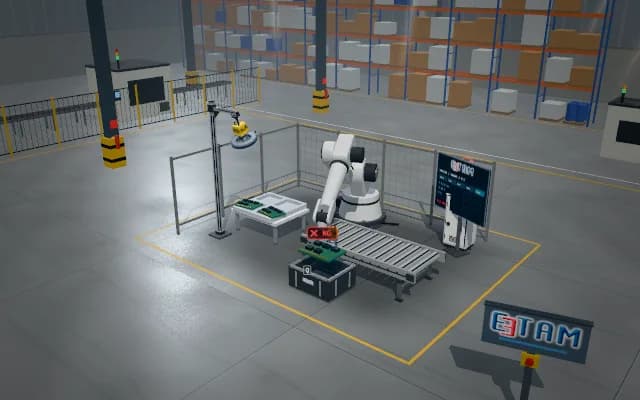
SCARA placement of connectors into an oriented assembly fixture
Verified orientation and an empty nest produce the simulated placement record. Reversed orientation, missing grip or seating mismatch never appear as completed assembly. Calibration, grip and PLC sequence are animated as an illustrative simulation.
Verified orientation and an empty nest produce the simulated placement record. Reversed orientation, missing grip or seating mismatch never appear as completed assembly.

- 01 Image and source
- 02 Pose and plan
- 03 Grip and lift
- 04 Transfer
- 05 Release and final check
Image connector contour, orientation reference and the destination nest.
- Illustrative pose offset
- —
- Illustrative grip confirmation
- —
- Completed transfers
- —
Scenes are illustrative simulations; they are not customer references or performance guarantees.
Need
A connector can seat in reverse if vertical placement starts before checking key orientation and nest clearance. Source orientation, destination occupancy and seating after release require separate checks.
Solution approach
Locate the connector contour and orientation reference in an overhead image and associate them with the fixture nest. Represent SCARA planar alignment and vertical pick motion. Grip, lift, orient above the destination and lower under sequence control; verify seating after release.
Process steps
- 01
Image and source
Image connector contour, orientation reference and the destination nest.
- 02
Pose and plan
Associate the SCARA planar target with the oriented nest; prepare the vertical approach.
- 03
Grip and lift
Grip the connector and lift vertically from its source nest.
- 04
Transfer
Carry the connector above the destination while retaining placement orientation.
- 05
Release and final check
Lower and release into the nest; the seating image verifies the completed motion.
Related applications




Let us assess your application together
We test your sample in our laboratory and report on resolution, optics and lighting selection.